最近写了一个字幕翻译的小网页,调用了 字节火山引擎 和 OpenAI 的人工智能 API 来实现文本翻译,部署在 Netlify 和 Vercel 上。欢迎大家试用:字幕翻译 - 字幕工具箱
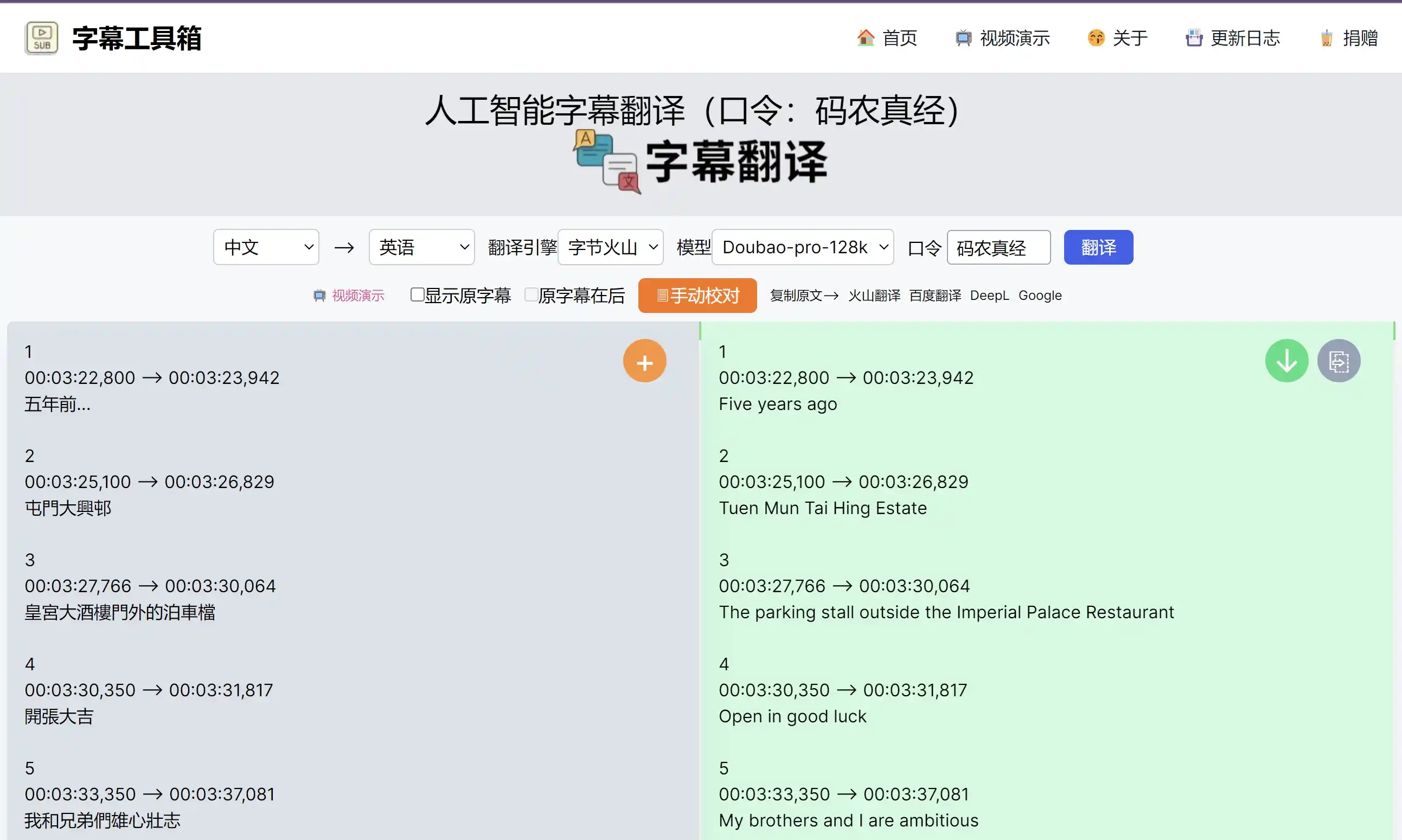
字节火山引擎 完全套用了 OpenAI API 的接口,所以,这两个引擎的调用方式是一样的。在本地环境下,这两个引擎都是正常返回的。只是长文本字幕返回结果比较慢,需要等待一段时间。
LambdaTimeout 超时问题
但是,当部署到 Netlify 和 Vercel 上之后,调用这两个引擎的接口时,经常会遇到 LambdaTimeout 超时问题。
|
|
通过查阅资料,发现这个问题是因为 Netlify 和 Vercel 的 Serverless 函数默认的超时时间是 10 秒,而长文本字幕翻译的时间超过了 10 秒,所以会出现超时问题。
-
amazon web services - AWS Lambda “errorMessage”: Task timed out after 3.00 seconds - Stack Overflow
-
Netlify lambda function timing out after 10 seconds - Stack Overflow
这也是云函数的一个特性,为了防止函数执行时间过长,导致资源浪费,所以,云函数都会有一个超时时间。是云开发平台的一种保护机制,也是我们部署云函数时需要注意的一个问题。
解决方法
Netlify
如 Netlify 的官方文档所述,10 second execution limit for synchronous functions, including scheduled functions,所以,我们需要修改 Netlify 的 Serverless 函数的超时时间。
Extend timeout for Netlify functions request - Support - Netlify Support Forums
Hi there! we can definitely bump you up to 26 seconds, but you’ll need to be on the Pro tier for us to make that change - that’s a requirement that applies to everyone who wants a bigger timeout. You can upgrade to Pro easily through the Netlify UI dashboard.
需要升级到 Pro 版本才能修改超时时间。钱包不够,只能放弃了。
Vercel
Configuring Maximum Duration for Vercel Functions
而 Vercel 的 Serverless 函数的超时时间是 10 秒,但是,Vercel 的 Serverless 函数的超时时间是可以配置的,只需要在 vercel.json 文件中添加 functions 字段即可。
|
|
也可以在 route.ts 中配置:
|
|
目前,这个 maxDuration 的最大值是 5 分钟。这还是很长的,基本上可以满足大部分的需求了。